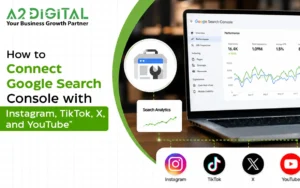
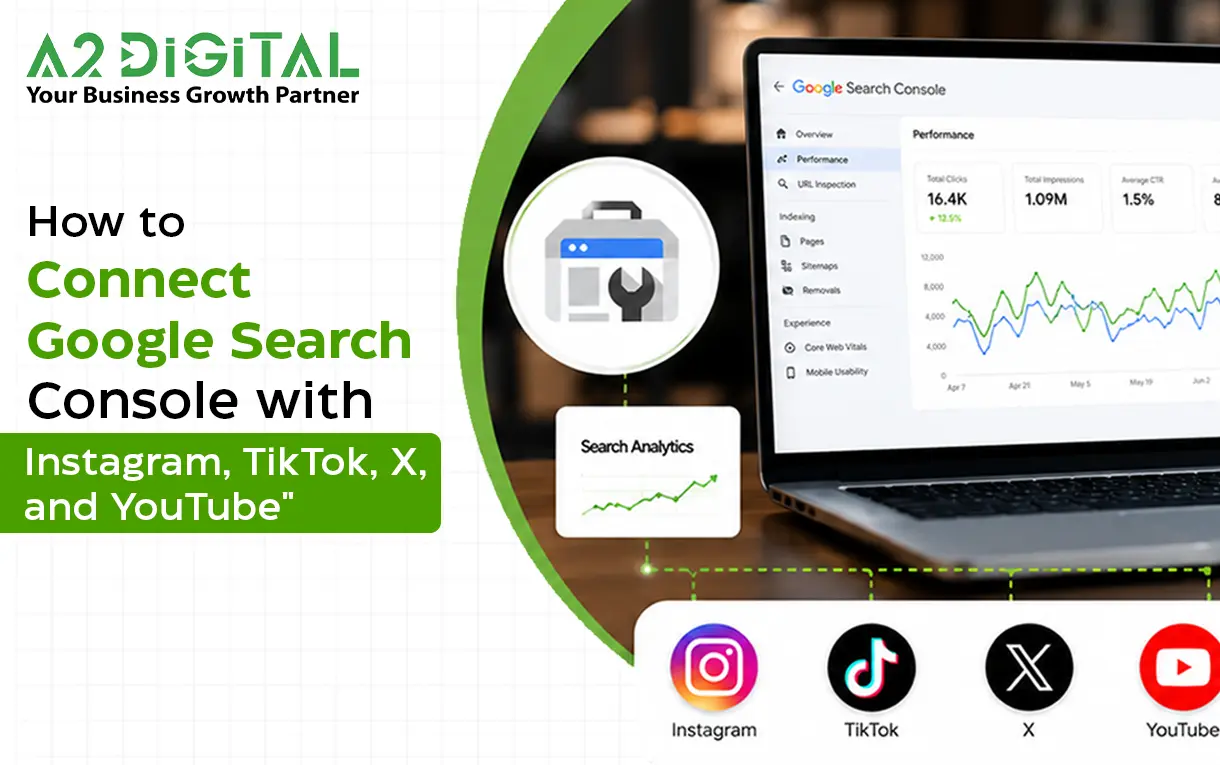
If you create content for Instagram, TikTok, X, or YouTube, you can better understand how users locate your content on Google. In the past, you needed to have a website for Google Search Console to track your content on Google Searches, but now they have included supported social media accounts to properties of the platform. You can track how your content appears on Google Search, Discover and News.
Start Google’s Search Console, select your social media network of choice in the Add Property box and complete the account verification.
Search Console will collect data on your social media content and how that content performed in Google Search with metrics like impressions and click-through rate (CTR), as well as the search queries that led to your content, and the average position of your content in search results.
The most exciting detail about this feature is that you can add your social media accounts directly and you no longer need to add them via a website.
What is a Platform Property?
Platform properties are social media profile specific Search Console properties that allow you to track how your content is found in Google Search, instead of tracking how your site is found.
The supported platforms are Instagram, TikTok, X and YouTube. You must create an account for each of the supported platforms, and you are not required to have a website.
You can track TikTok Analytics, Instagram Insights, X Analytics and YouTube Analytics to track content specific metrics like views, likes, and watch time.
The Quick Way to Submit Your Social Media Account to Google Search Console
Creating a brand new social media account is super quick and easy.
HERE IS HOW:
STEP 1: OPEN GOOGLE SEARCH CONSOLE
Log in with your Google account and click “Open Property Selector” or “Add Property” to add a social media account to your console.
Your websites will not be impacted in any way. Google Console will host a new property for your social media accounts.
STEP 2: ADD Your SOCIAL MEDIA ACCOUNT
Pick 1 out of 5 social media accounts to add. You can connect your Google Search Console to your Instagram, TikTok, Twitter (X), or YouTube accounts.
STEP 3: VERIFY YOUR ACCOUNT
Complete the steps to log in to the selected social media account and allow Google Search Console to connect.
Google Search Console will verify ownership of the account. Click the newly added Property. Performance data will not be available for several weeks.
If you own multiple social media accounts, repeat this process for every account.
How do I connect Google Search Console to Instagram?
This process is the same for Instagram. Create a new property, select Instagram, log in to the correct account, and complete the verification steps.
Your data helps you see how Google displays your Reels, profile, posts, pages, and eligible Stories. For example, if a Story appears in a search, that is counted as an impression. If a user opens the Story via Google, that is counted as a click.
This helps you to know which captions, photos, Stories, or products that are pulling users away from the Instagram app.
How do you connect TikTok to Google Search Console?
Linking Google Search Console to TikTok requires you to make a property for TikTok and log into your account.
Once reporting initiates, Search Console will let you know what videos received impressions and clicks on Google Search, along with what queries sent users to your videos.
It is also important to realize that Search Console and TikTok Analytics are for different purposes. TikTok Analytics tracks app activity, while Search Console tracks activity in Google. Using both together will help you understand how well your content is preforming.
How do I connect Google Search Console with YouTube?
You will use the same process for adding your YouTube channel. Select YouTube as the property of the platform, verify that you own the channel, and wait for the reporting to begin.
Search Console can help display the performance of your channels in Google surfaces. If a video gets searched or gets shown on Discover, it will count as an impression. If a video result is clicked, even if the video is played in the Google viewer, it will be considered a click.
This will help you improve your video is by showing what video topics are being searched and what video titles, descriptions, and thumbnails are being clicked.
How do I connect Google Search Console with X?
When signing in with X, select X while creating the property in the platform setup, and then, sign in and approve the confirmation.
After your property is created, Search Console will show how your profile and posts show up in Google search results.
What can you measure?
After connecting your social accounts, Search Console provides three main reports.
Performance report
This report includes impressions, clicks, and shows the average CTR and position. You can filter by posts, queries, dates, countries, devices, and search page appearances. If you’re eligible, data from Discover and Google News will show as well.
- Each metric provides data on your content’s performance on Google.
- Impressions show how often your content is shown on Google.
- Clicks show how many users navigate to your content.
- CTR shows the ratio of impressions to clicks.
- The Average Position is the average ranking of your page across all the relevant search queries.
Insights Report
The Insights report is a way to learn about the activity in your account. It shows the online users and how they engage with your account, as well as how they find your profile in the Google Search.
You don’t have to generate a report to learn about your data. You can use the Insights report for this purpose.
Achievements
Achievements celebrates important click-related milestones, and makes it easier for users to notice improvements in Google visibility after a period of time.
Using the Data to Improve Results
The reports have value when you are able to apply the data you have gained.
If a page is visited a lot but is not clicked often, you may want to consider changing the title, description, or thumbnail, or the first sentence/paragraph that introduces the page.
Engagement reports tell you about the content you need to create. If you see a lot of clicks and a great CTR, you should create content on that same / these topics. These can easily be made in the form of new Reels, TikToks, Shorts, YouTube videos, or Threads on Twitter/X.
It is equally a good idea to analyze periods of steady reporting, like the last 28 days, and the previous 28 days for a better understanding. It can tell you about value trends and metrics, where you can see impressions grow, even when clicks have not yet shown.
Things to Remember
The platform properties can only show app engagement metrics via Google, and can’t substitute the analysis tools for Instagram, TikTok, YouTube, or X.
Furthermore, because this is being deployed over time, some accounts may not have access to it immediately. Google automatically checks the app ownership. After the verification period is up, the reporting will pause until you verify again.
Conclusion
Adding Google Search Console to your business social media accounts lets you see how your content outside of social media is performing. This is useful for entrepreneurs and content creators.
If you connected Instagram, TikTok, YouTube, or X to Google Search Console, the next steps are the same. You create a ‘property’ on the platform, pick the platform, and confirm you are the owner, and give permission for Google Search Console to begin data collection. The reports are then ready for you to see which of your social media posts are getting views on Google and what searches brought the users to your content.